
Node Mods
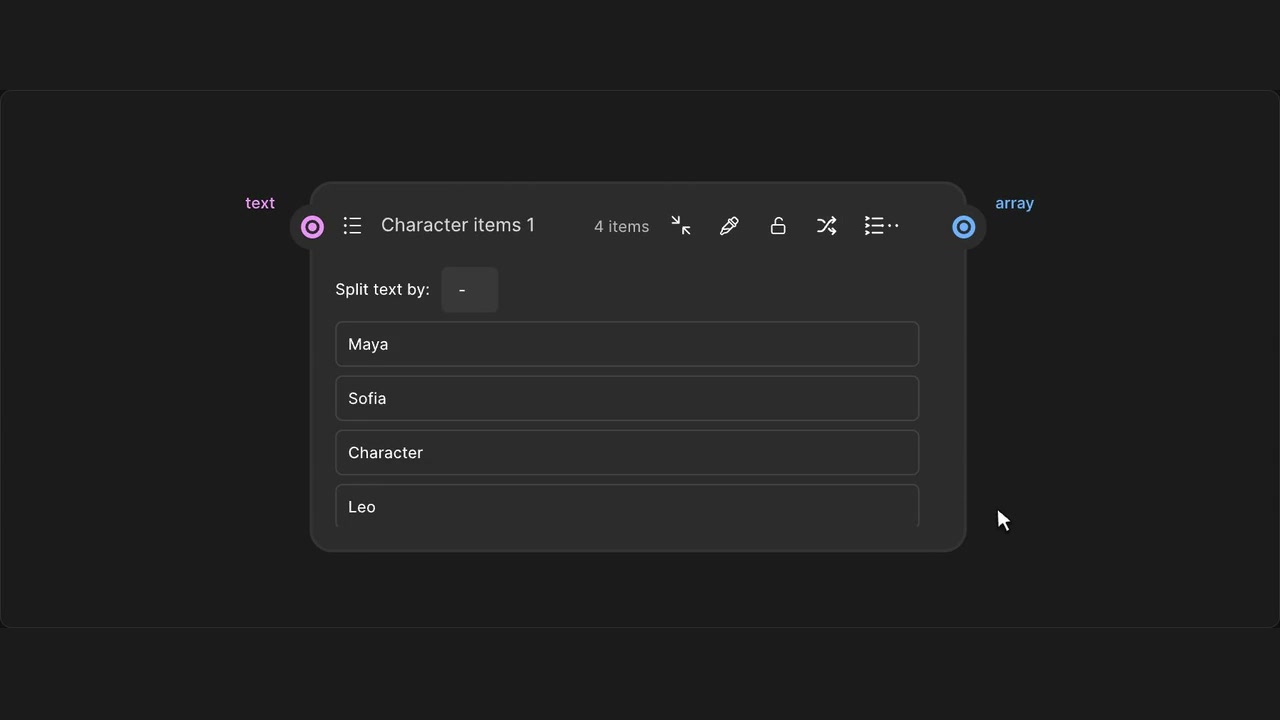
Shuffle Array items
Randomise an Array’s item order with a single header action.
How to use it
- Enable Array & List tools in the panel.
- Click Shuffle Array items beside the list creator.
- Use native Undo to restore the previous order.
Tips
- Shuffling a connected Array makes an editable copy and disconnects its inputs.
- Undo restores the old order and input connections.
For a connected Array, shuffle creates an editable snapshot and disconnects incoming wires. Outgoing wires, duplicates and blank items are preserved; Undo restores the inputs too.