
Node Mods
Sync Router name & color
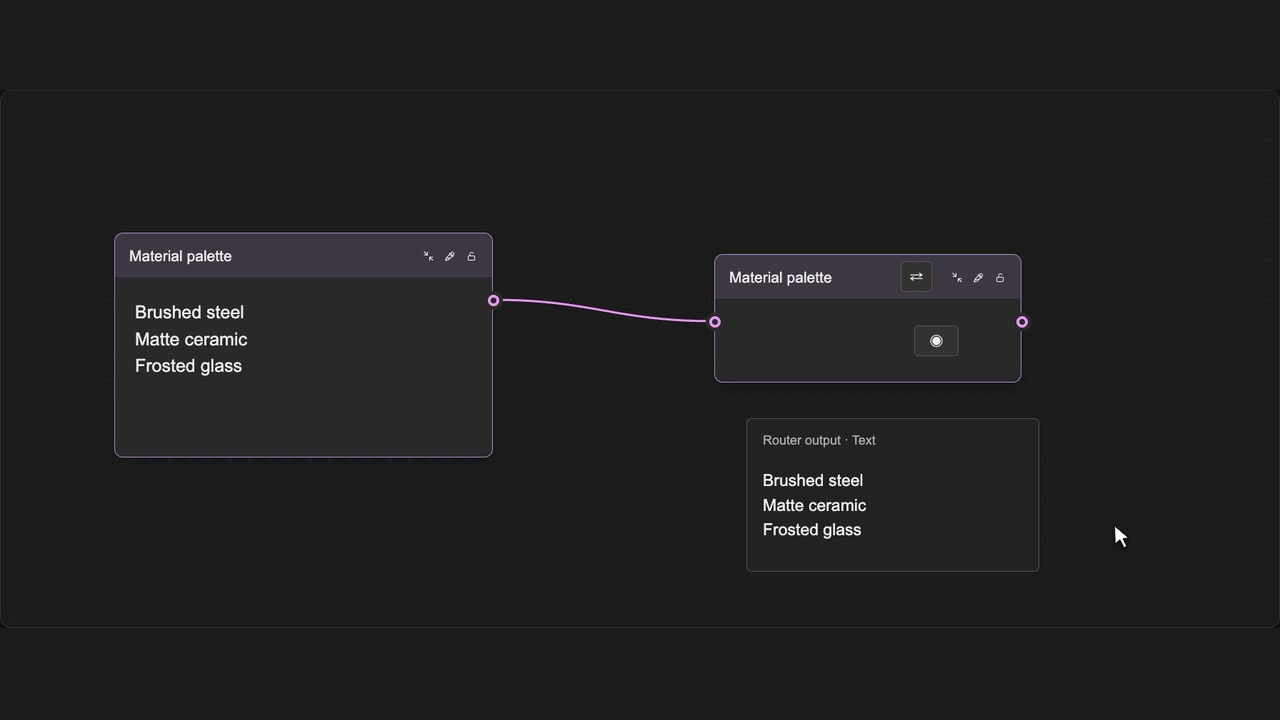
Copy the upstream node’s name and color onto a Router.
How to use it
- Connect an input to a normal Router.
- Click the Sync name arrows in its header.
- The Router takes its source’s current name and color.
Tips
- The Router copies its source’s current name and color.
- Sync is unavailable for locked Routers or Routers without an input.
Enabled by Node locking & Global Router in the panel. Connections stay intact. Unconnected, locked and read-only Routers cannot sync; native Undo restores the previous appearance.