
Node Mods
Advanced Router sources
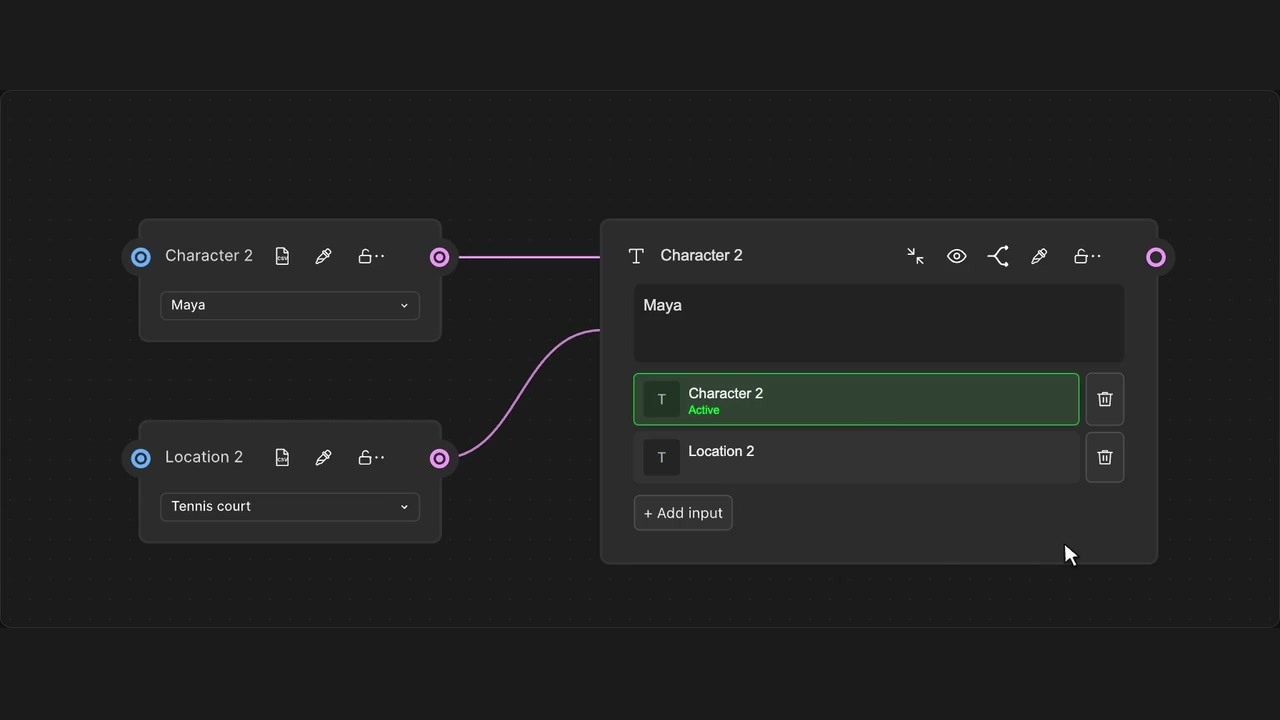
Keep several sources in one Advanced Router and choose which output is active.
How to use it
- Enable Advanced Router mode on a Router.
- Connect its input slots to source outputs.
- Click a source to make it active and preview its content.
Tips
- Only one source is sent through the output at a time.
- Switching sources does not generate new media.
One source is active at a time. Source choice changes the routed output without generating media.