
Node Mods
Batch Export
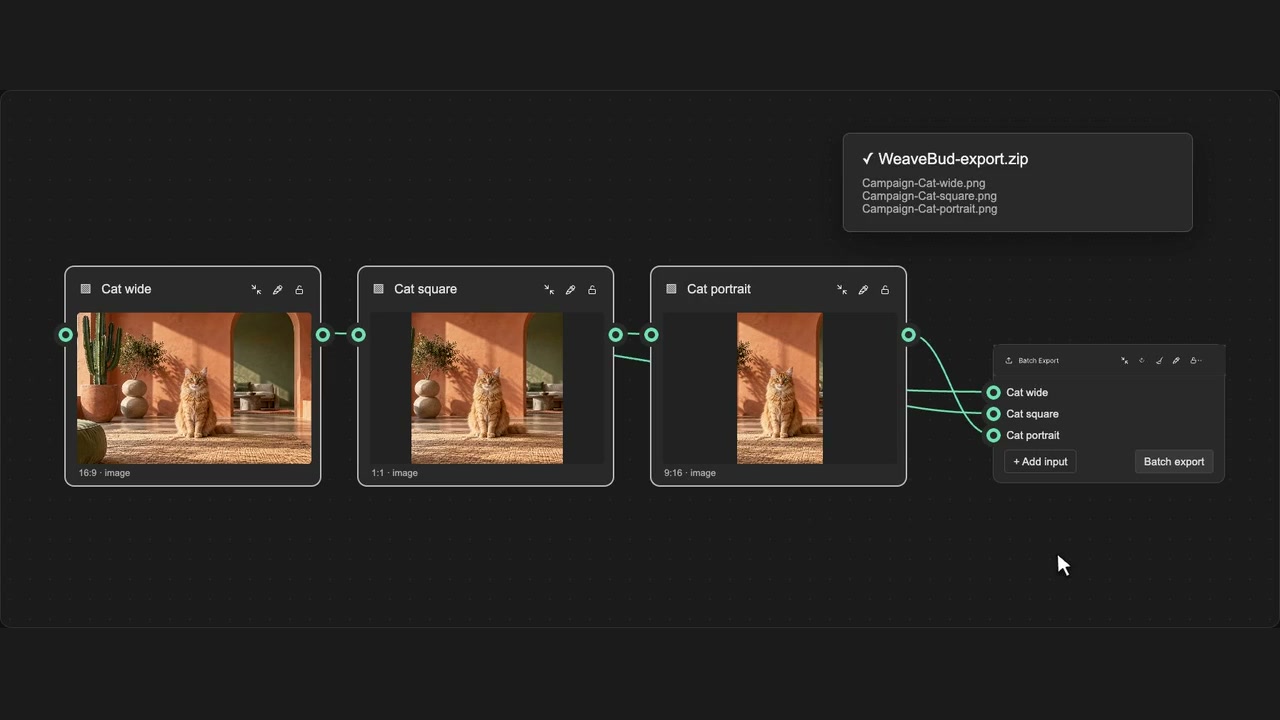
Connect multiple sources to one Batch Export node and download a ZIP. Select naming conventions and rendering codec for more customisation.
How to use it
- Enable batch export mode on an Export node.
- Connect the source outputs you want to include.
- Open its export dialog and choose Download ZIP.
Tips
- Choose the current output or all available assets from each node.
- You can add or remove sources before downloading.
Choose current output or all available assets per node. Custom input wires can be added or removed without running models.