
Node Mods
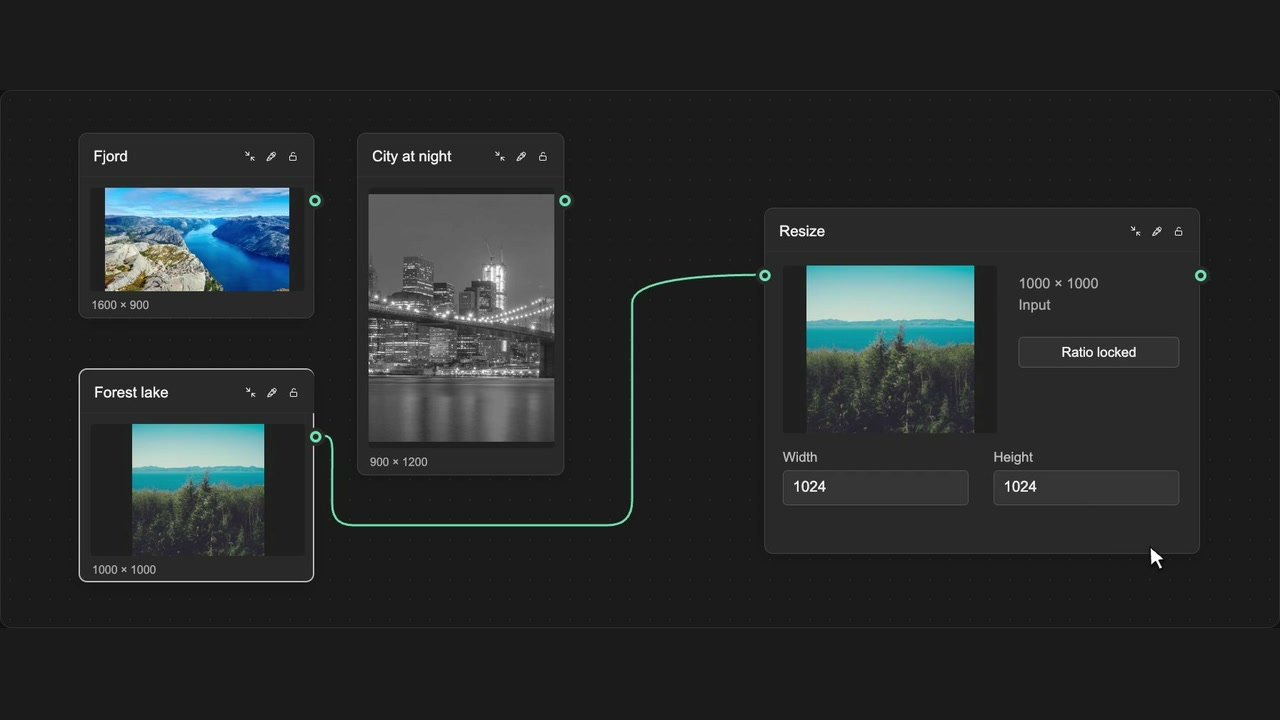
Match Resize input dimensions
Start a Resize node with the dimensions of its connected image.
How to use it
- Connect an image to a Resize node.
- Let WeaveBud initialise the input dimensions.
- Adjust your intended output size.
Tips
- The connected image provides the starting dimensions.
- Set output dimensions separately from the node’s size on the canvas.
Input proportions and output dimensions are separate from the node’s canvas size.