
Node Mods
Node colors
Apply a color to one node or a selection.
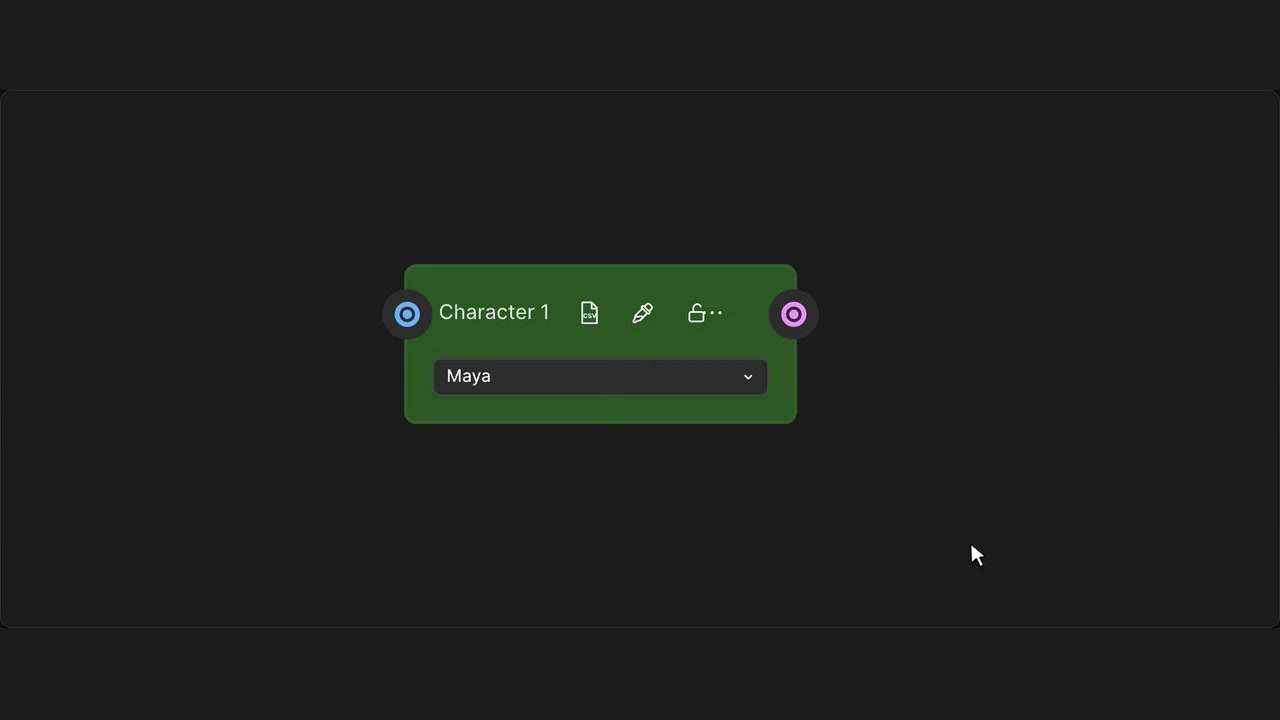
How to use it
- Open Node color in a header or the selection toolbar.
- Choose a swatch, or open Custom color and enter a hex value.
- Use Reset to restore the native color.
Tips
- Color a selection together to organise related nodes.
- Locked nodes keep their color; Reset restores the default.
Color changes save with the workflow. Locked nodes are protected; saving reusable swatches is a separate action.