
Node Mods
Node locking & Global Router
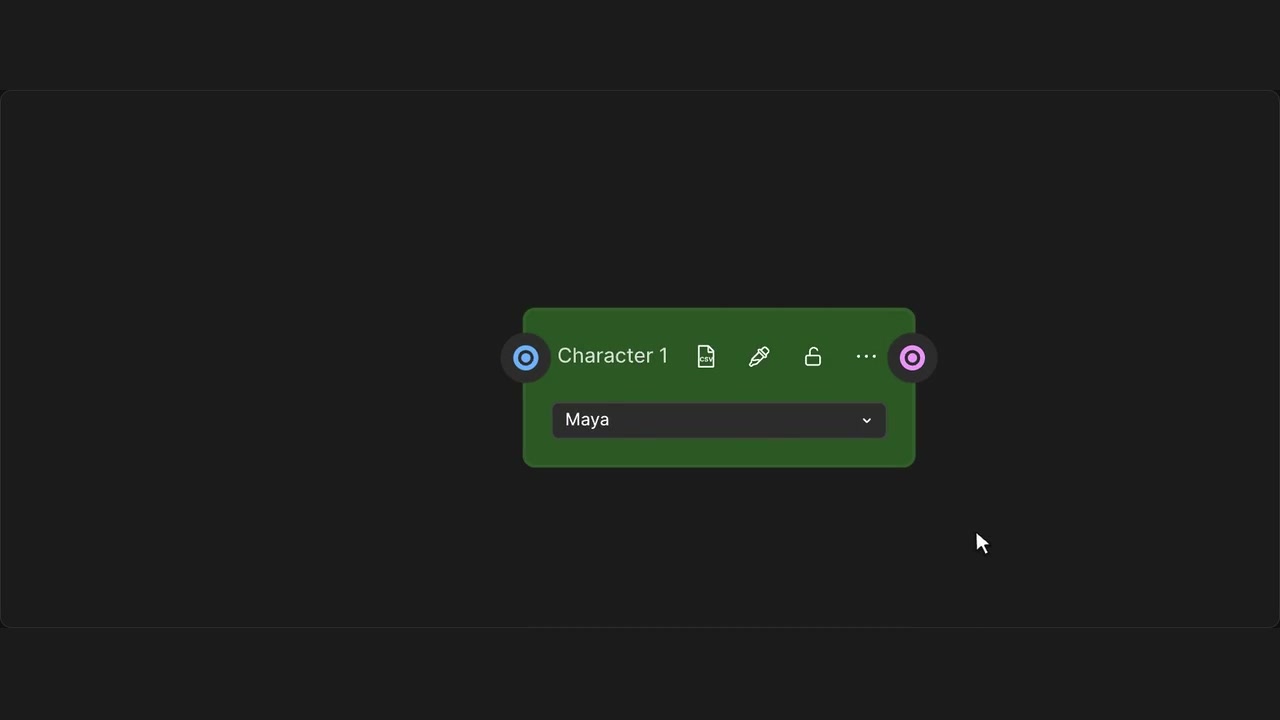
Lock or unlock a node to keep it in place.
How to use it
- Find the lock in the node header.
- Click to lock the node; use Unlock to make it editable again.
Tips
- Use the selection toolbar to lock several nodes together.
- Undo restores the previous lock state.
Matches native locking and Undo behaviour.