
Node Mods
Rich sticky notes
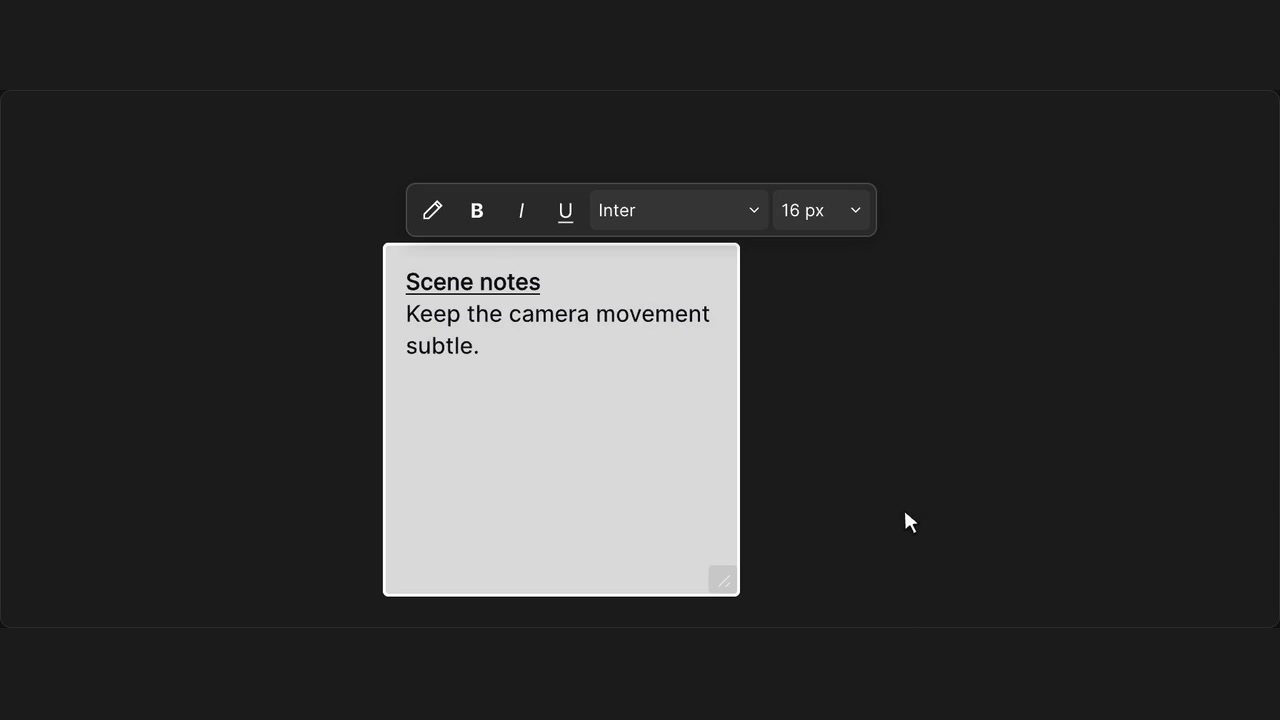
Format workflow notes with bold, italic, underline and text size.
How to use it
- Double-click a sticky note to edit it.
- Select text to show its formatting controls.
- Choose formatting and click away to save.
Tips
- Select only the words you want to format.
- Notes remain readable as plain text without WeaveBud.
Shortcut: Cmd / Ctrl + B, I or U
Rich formatting saves with the workflow. WeaveBud displays it; plain text remains available without the extension.