
Node Mods
Router previews
Inspect the text, image, video or list passing through a Router.
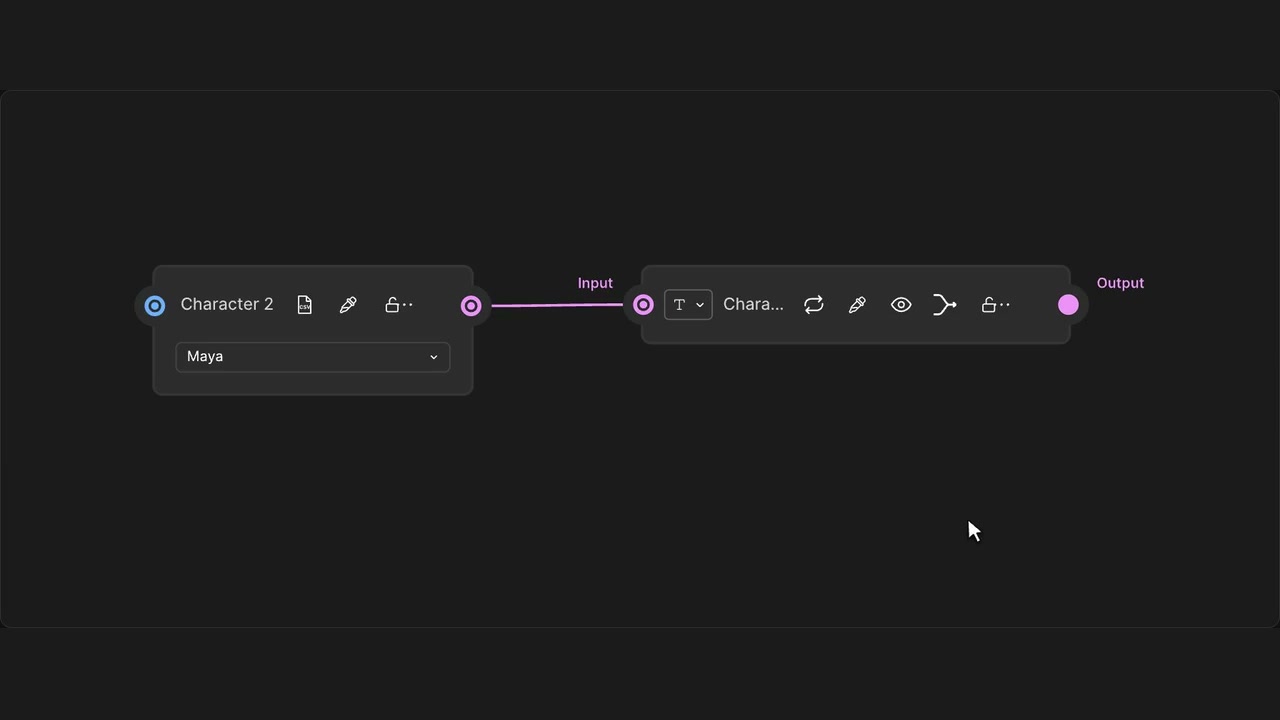
How to use it
- Click Preview Router output in the header.
- Inspect the connected text, image, video or list.
Tips
- Preview text, images, videos or lists in place.
- Opening a preview does not change or regenerate the output.
Read-only: previewing does not generate or replace the output.