
Node Mods
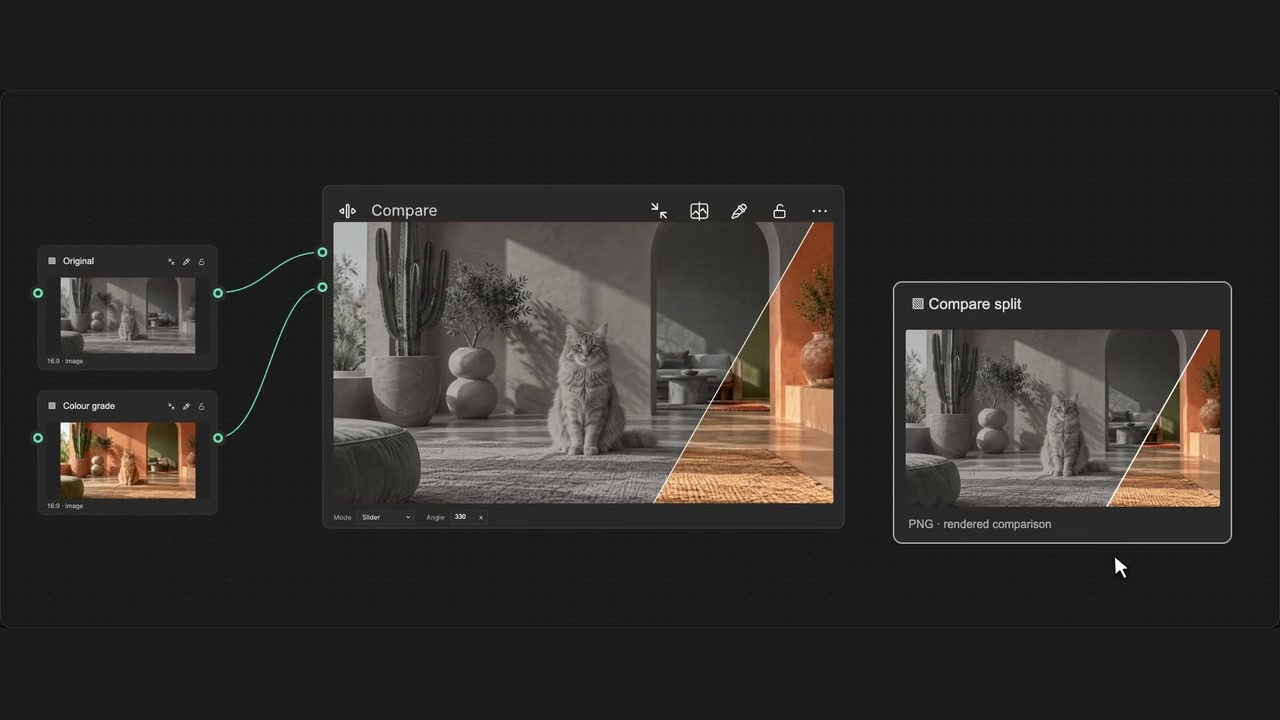
Render Compare split image
Render the current Compare split as a fixed image for export.
How to use it
- Connect two images and use Slider mode in Compare.
- Click Render split image to create the linked image output.
- Connect the image to Export; render again when needed.
Tips
- Render again after changing the split to update the image.
- Connect the result to Export when you are ready to download it.
Creates a fixed native image of the current split. Render again to update it. No model run or export starts automatically.