
Node Mods
LLM output to Prompt
Turn selected LLM output text into a connected Prompt node.
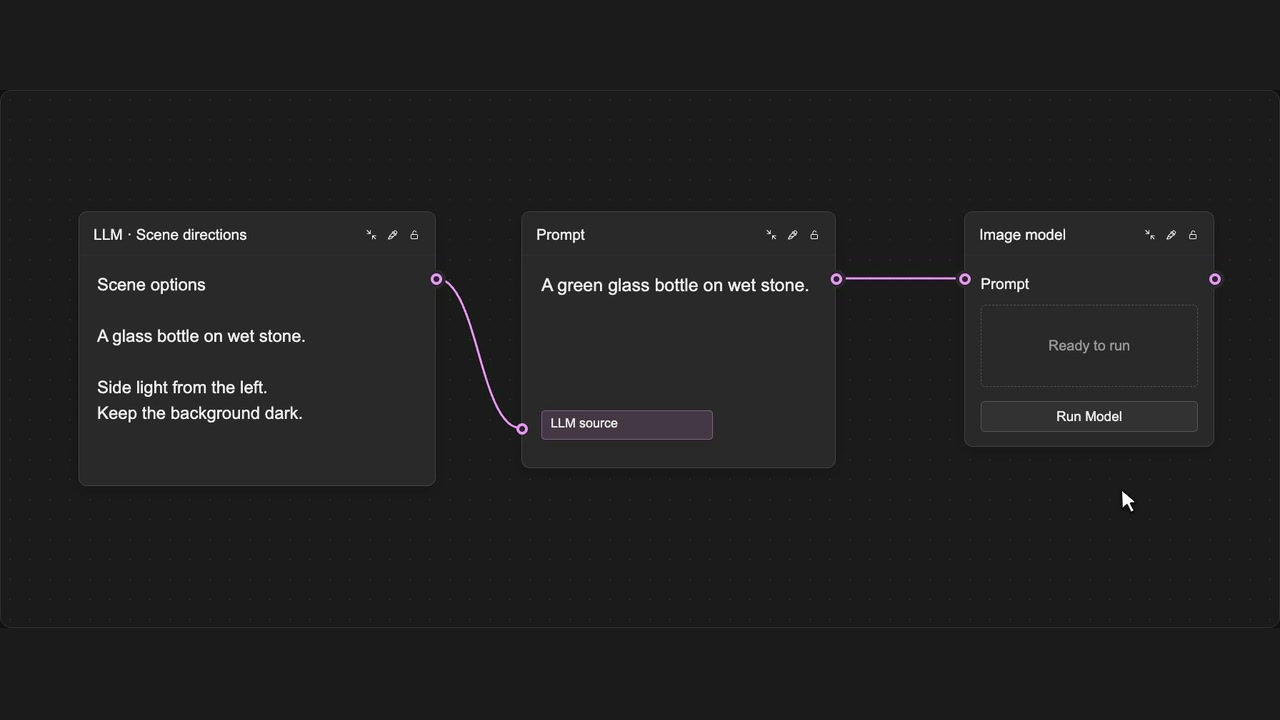
How to use it
- Select the text you want in an LLM result.
- Press Shift + Enter.
- Use the new connected Prompt in your workflow.
Tips
- Select just the part of the result you want to reuse.
- This creates a Prompt without running the LLM again.
Shortcut: Shift + Enter
Creates a Prompt from the selection; it does not run the LLM again.