
Workspace Enhancement
Enhanced Gallery
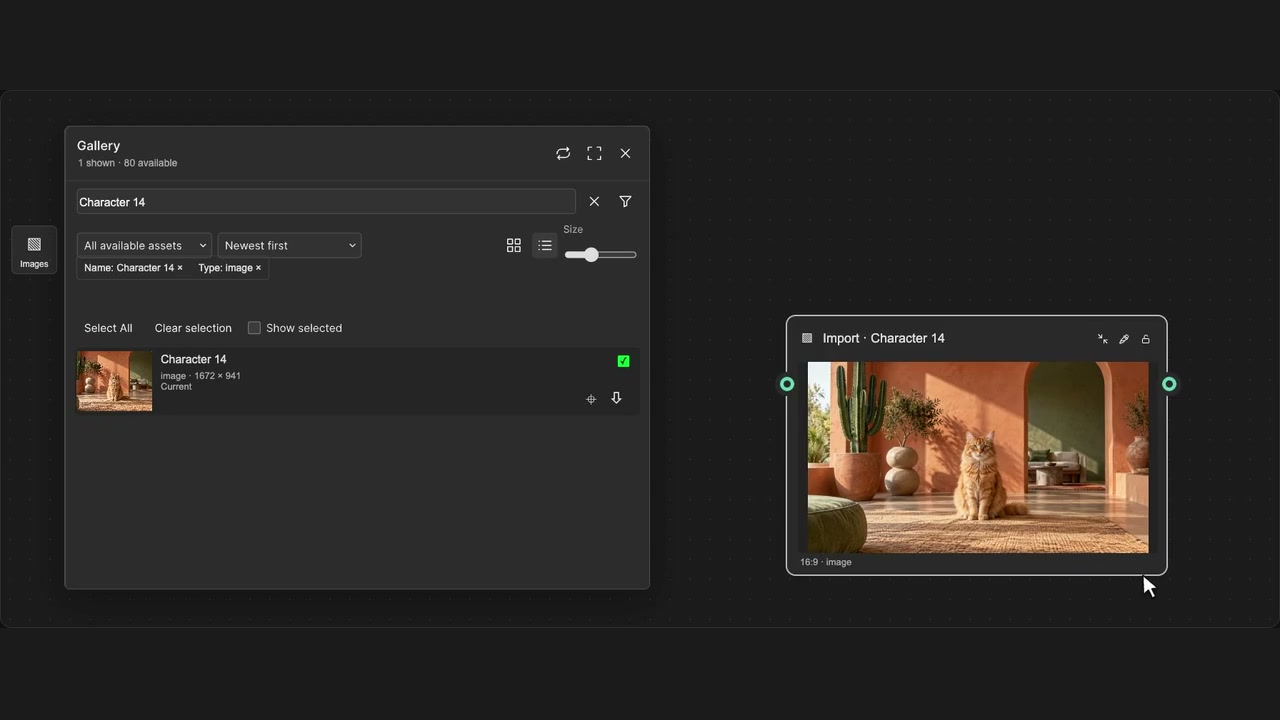
Find, preview and reuse project media. Jump to its source on the canvas or download the files you need.
How to use it
- Open Images in the sidebar, then search or filter by name, model, type, size or date.
- Click a thumbnail to preview it. Switch grid/list views or adjust thumbnail size to browse.
- Click an asset’s crosshair, or Find on canvas in its details, to jump to and highlight its source node.
Tips
- Select several assets to download them together or drag them onto the canvas as Import nodes.
- Open an asset and choose More from this node to see its available outputs.
The Gallery indexes project assets locally. Entries can remain after a source node is removed, but media still depends on its original project URL.