
Workspace Enhancement
Hide wires
Temporarily hide connections to focus on the nodes.
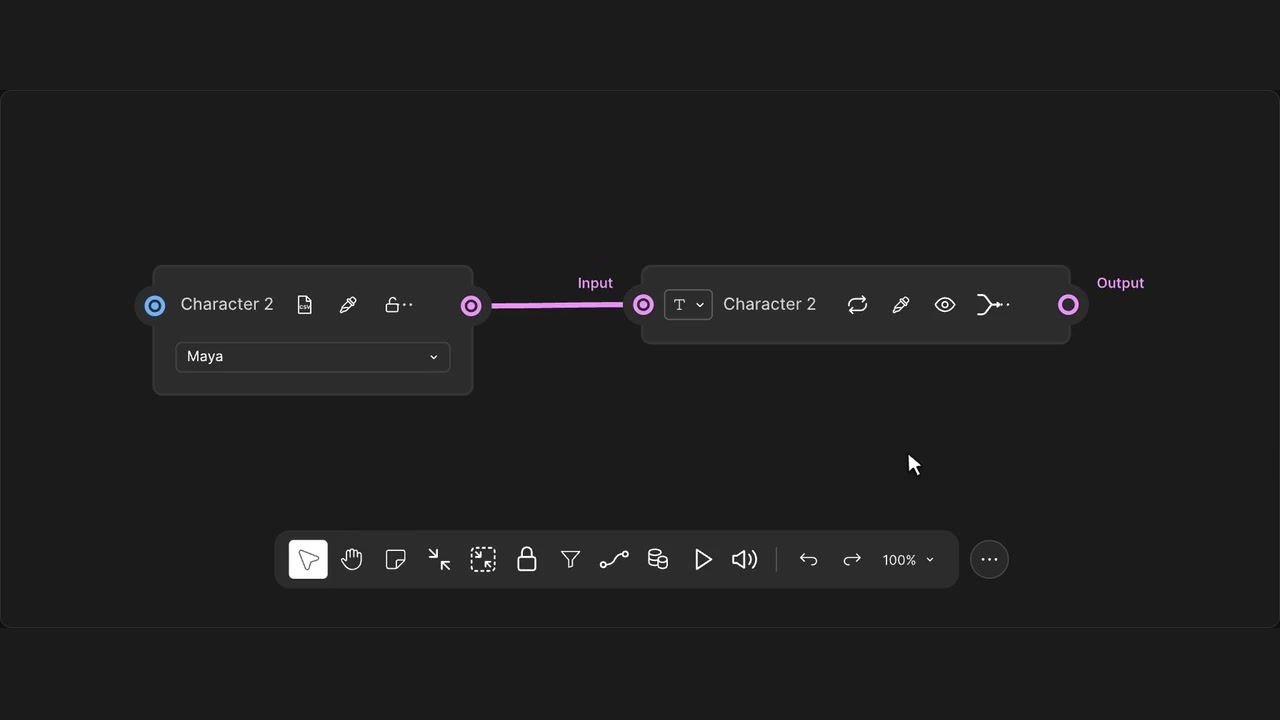
How to use it
- Enable Hide wires in the panel.
- Use the wire icon in the canvas toolbar.
- Use it again to reveal the connections.
Tips
- Your connections keep working while their wires are hidden.
- The toolbar button brings all wires back into view.
Hides native and custom wires without disconnecting them.