
Workspace Enhancement
Filter Gallery assets
Find assets by source, model, media type, dimensions, ratio or date.
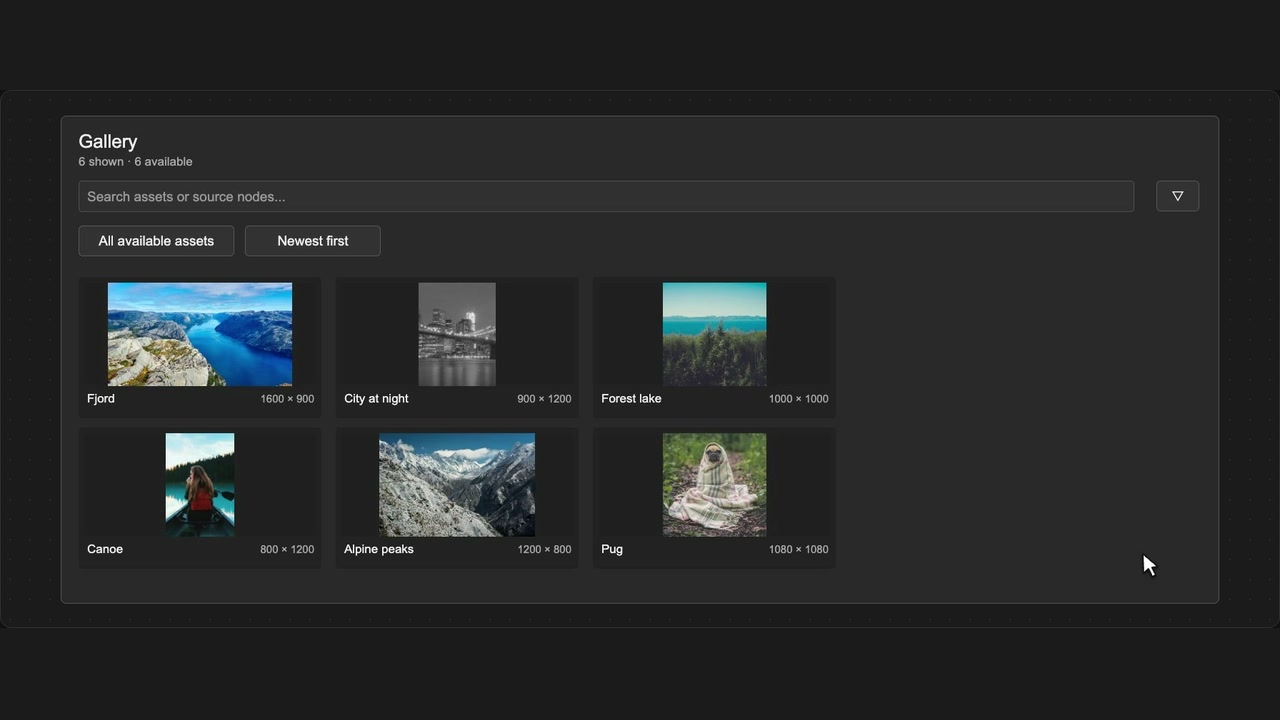
How to use it
- Open Gallery and type an asset or source-node name.
- Open Filter assets and combine the filters you need.
- Remove individual filter chips, or clear filters to broaden the results.
Tips
- Combine filters to narrow a large Gallery quickly.
- Include unknown dates or dimensions if an asset seems to be missing.
Unknown dimensions and dates have their own options; missing metadata is not treated as zero.