
Workspace Enhancement
Distribute node spacing
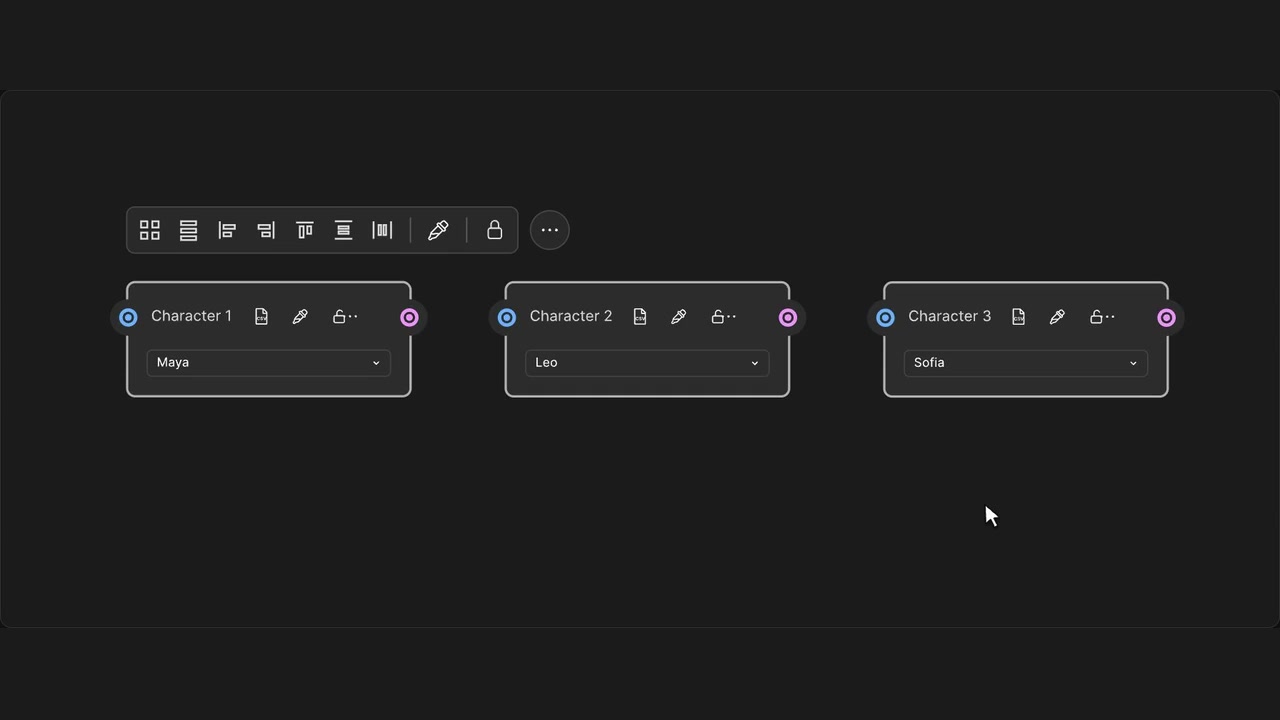
Set equal horizontal or vertical gaps between selected nodes.
How to use it
- Select at least three nodes.
- Choose Distribute horizontal spacing or Distribute vertical spacing.
- Review the spacing; Undo restores the previous positions.
Tips
- Select at least three nodes to create equal gaps.
- Locked nodes stay in place.
Equal spacing needs at least three nodes. Locked nodes stay fixed.