
Workspace Enhancement
Set selected List items
Set the same item number across multiple selected Lists.
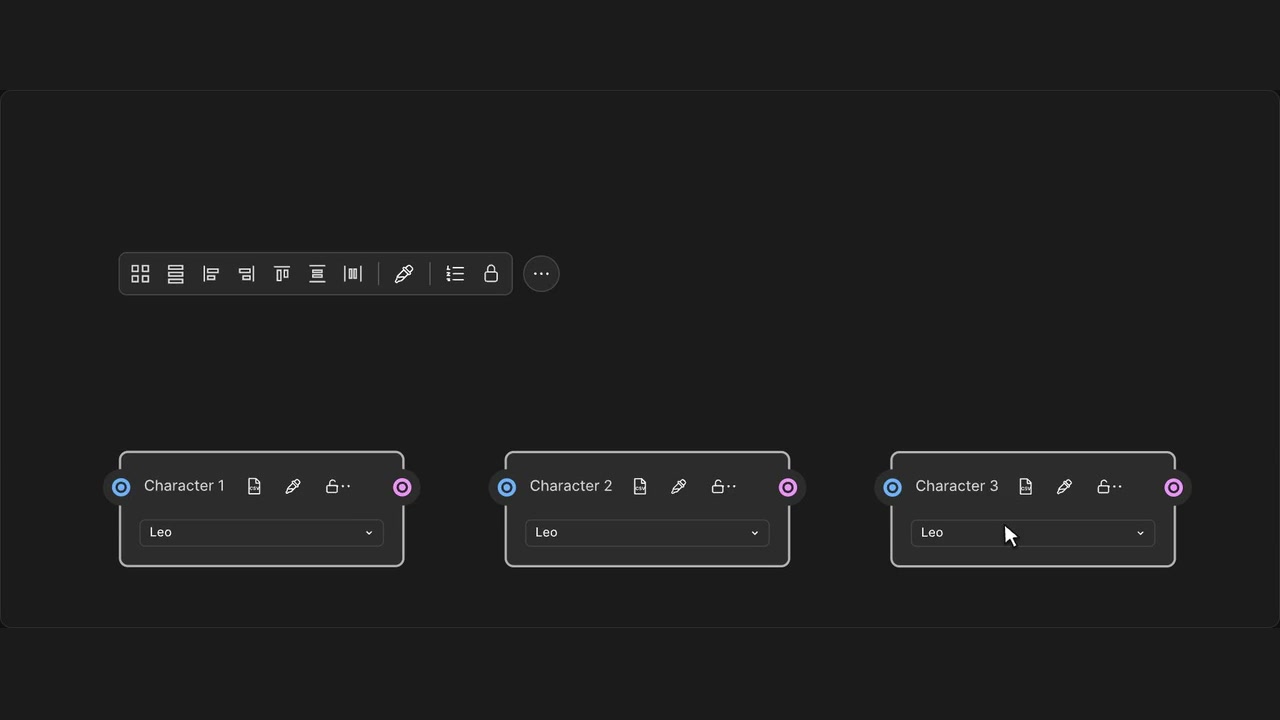
How to use it
- Select two or more List nodes.
- Open Set selected List items in the alignment toolbar.
- Enter an item number and Apply.
Tips
- The shortest List sets the highest item number you can choose.
- Locked Lists stay unchanged; Undo restores the whole change.
Requires Alignment toolbar. The shortest List sets the available range. Locked Lists are protected and all changes share one native Undo step.