
Workspace Enhancement
Smart Guides
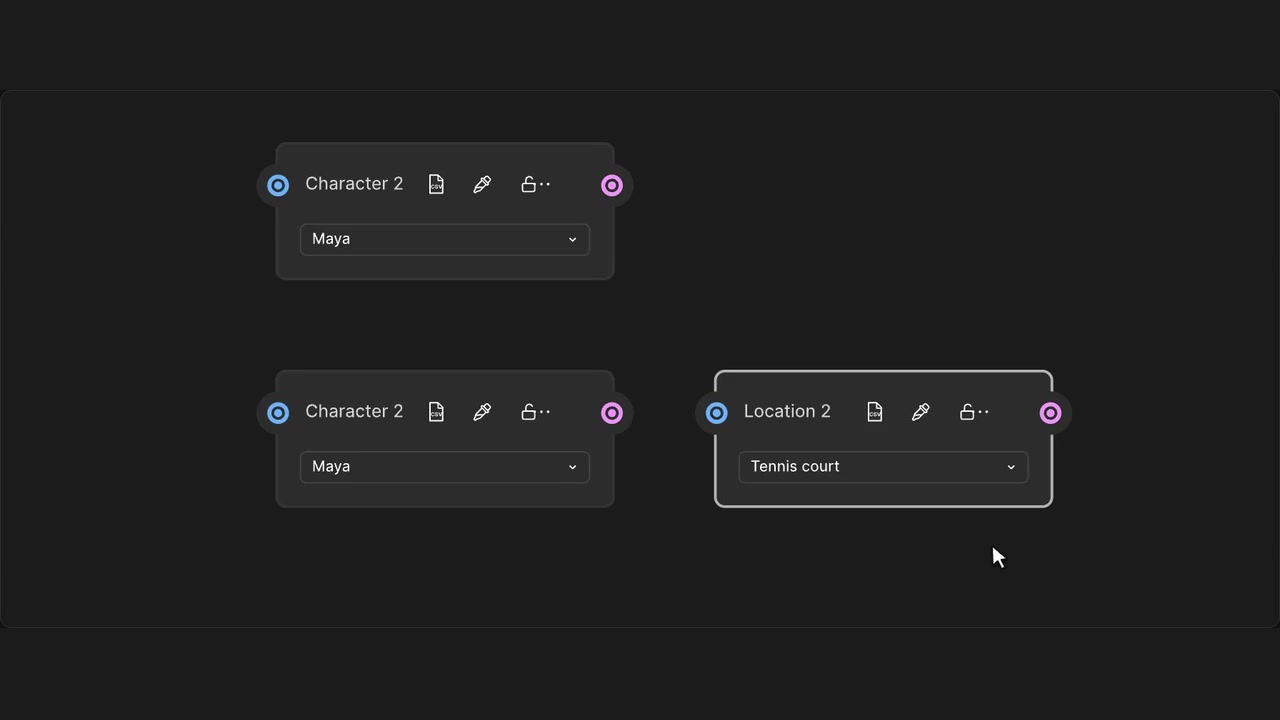
Line up nodes and groups as you drag, with guides that snap to nearby edges and centres.
How to use it
- Enable Smart Node Alignment Guides under Canvas in WeaveBud.
- Drag a node, selection or group near another node’s edge or centre.
- Release when the guides line it up.
Tips
- Drag near another node’s edge or centre to snap into place.
- Choose a guide color in the WeaveBud sidebar.