
Node Mods
Import mini workflows
Build a connected workflow from imported text or spreadsheet groups.
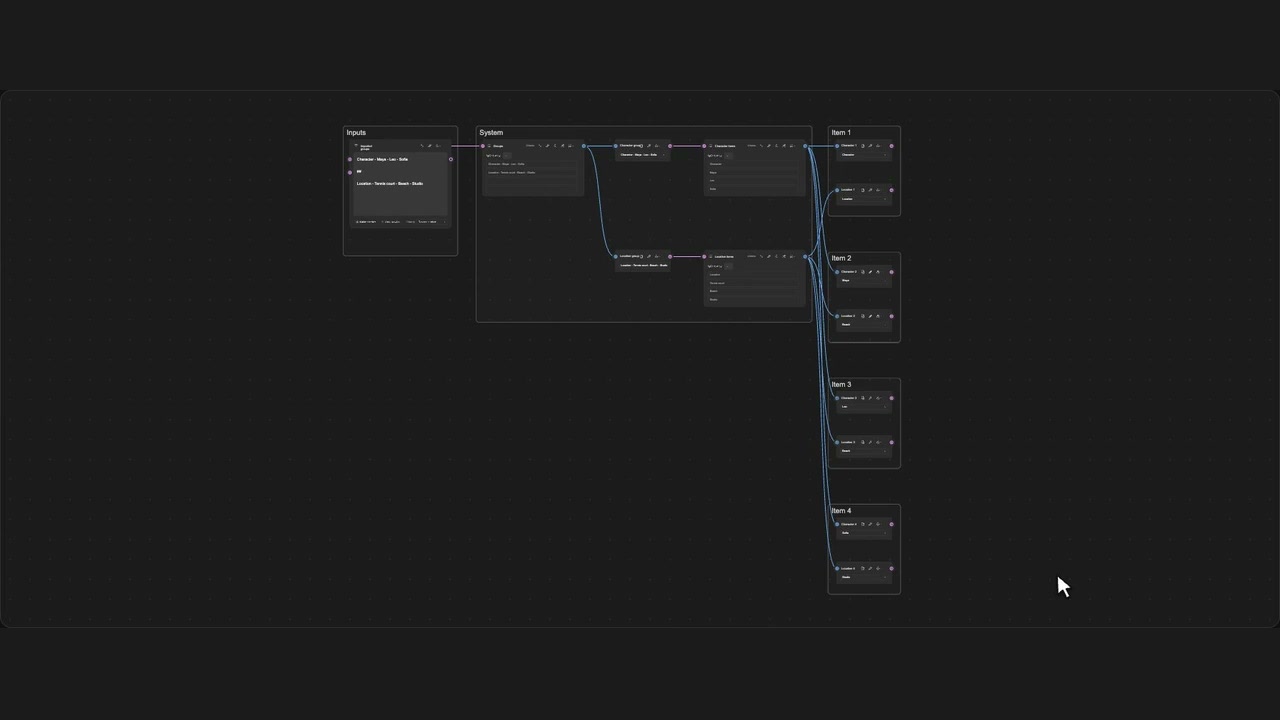
How to use it
- Open Import file into Lists and load your data.
- Choose Mini workflow and select optional image or video models.
- Review the groups and import the connected workflow.
Tips
- Optional models are connected but do not run automatically.
- Imports must have no empty items and create no more than 500 nodes.
Imports reject empty items and builds over 500 nodes. Optional models are connected without running; combined Prompts are a separate option.