
Workspace Enhancement
Node type filters
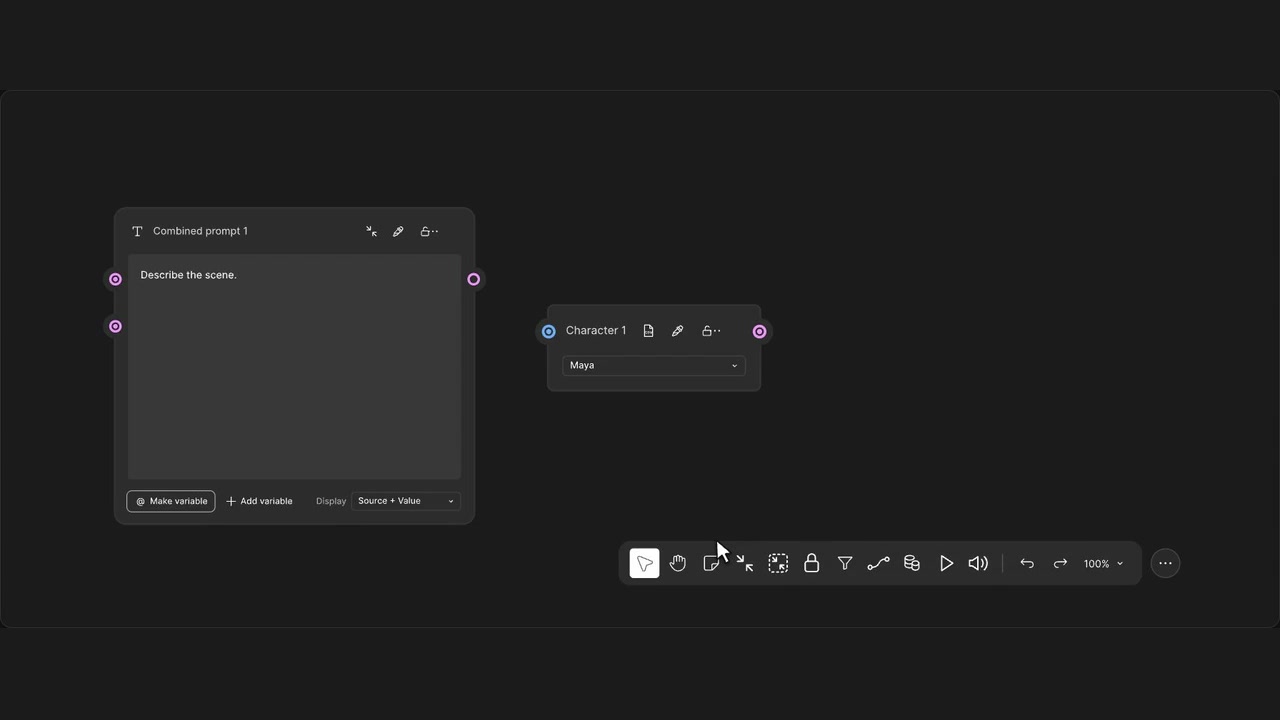
Focus on selected node types and dim everything else.
How to use it
- Open the funnel in the bottom toolbar.
- Select one or several node types.
- Adjust the other-node opacity or use Reset.
Tips
- Select several types to focus on related nodes together.
- Each workflow remembers its own filter settings.
Preferences are saved separately for each workflow.