
Node Mods
Global Router
Connect a Router to a compatible output without dragging a wire.
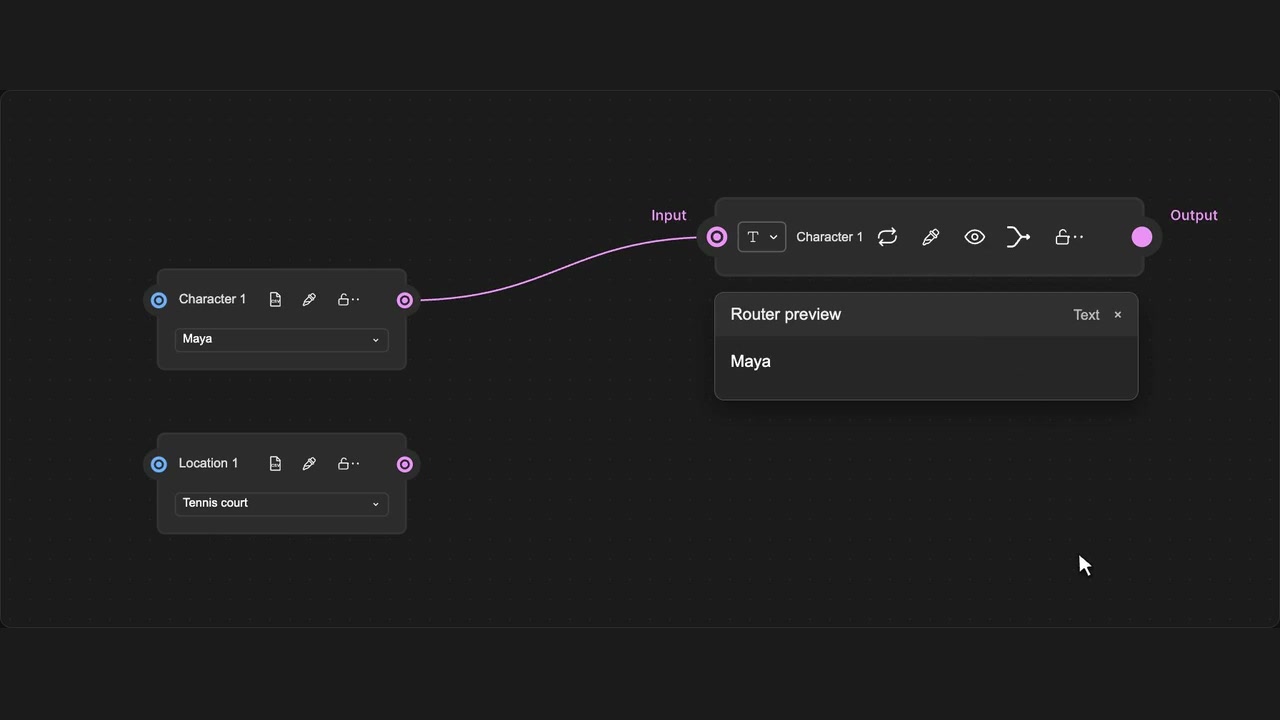
How to use it
- Open the dropdown before the Router name.
- Search nodes or filter by output type.
- Choose an output to connect it.
Tips
- Search by node name or filter by output type.
- Choosing a source replaces the Router’s input; Undo restores it.
Enabled by Node locking & Global Router in the panel. Invalid sources are disabled. Only incoming wiring changes; one native Undo restores it. Advanced Routers keep their own picker.