
Node Mods
Extract Prompt variables
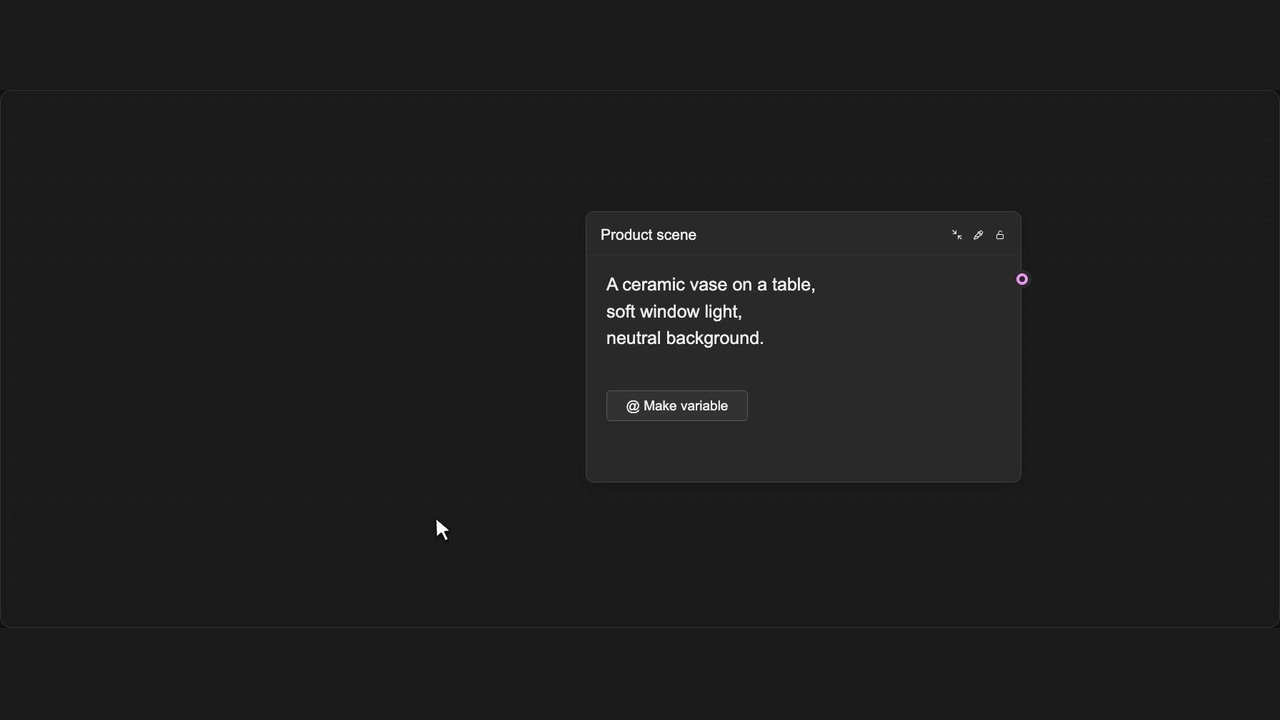
Move selected Prompt text into a connected Prompt variable.
How to use it
- Select text inside a Prompt node.
- Choose Make variable or press Shift + Enter.
- A new Prompt is connected and the original text becomes a variable reference.
Tips
- Select only the words you want to turn into a variable.
- The new Prompt stays connected to the original Prompt.
Shortcut: Shift + Enter
Works on the selected text. Extracting LLM output is documented separately.