
Models
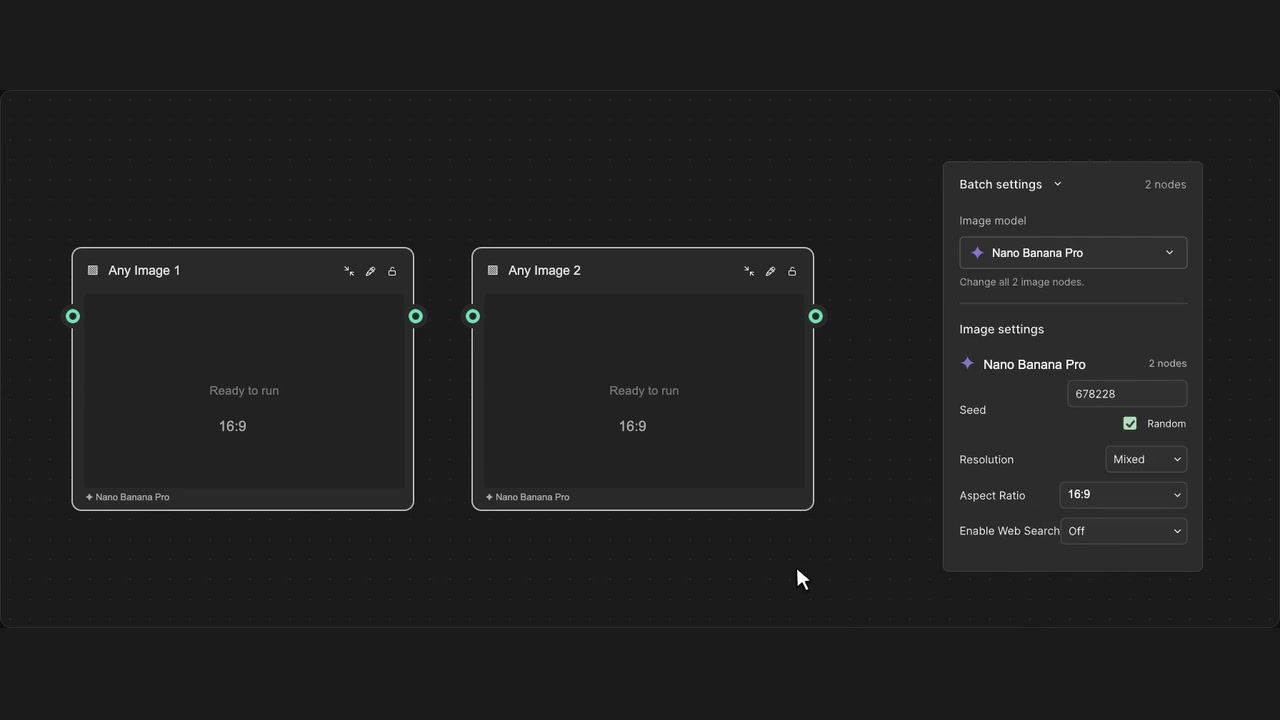
Batch image model switching
Change the model on selected image nodes together.
How to use it
- Enable Batch settings and select image nodes.
- Open the image model selector in Batch settings.
- Search for a model and choose a compatible replacement.
Tips
- Review model-specific settings after switching.
- Changing models does not generate new images.
Applies to the selected nodes of this type. Incompatible changes are blocked; switching does not run the models.