
Models
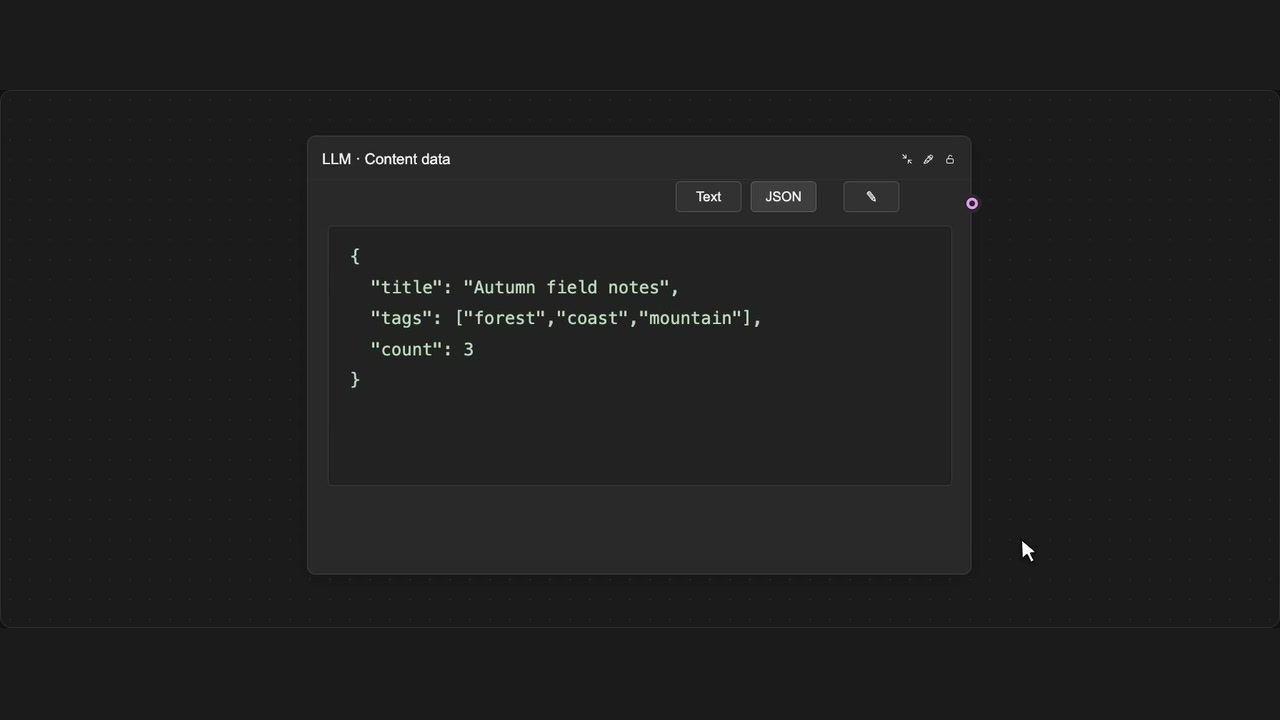
Edit JSON results
Edit JSON values or rename fields, then save the result.
How to use it
- Enable LLM tools in the panel and switch the result to JSON.
- Choose Edit JSON and change fields or values.
- Save to the native output, or Cancel.
Tips
- Save checks that your JSON is valid.
- Cancel leaves the original output unchanged.
Shortcut: Command / Control + Enter
Requires JSON view. Save validates JSON; Cancel discards the edit. The shortcut saves while you are editing.