
Workspace Enhancement
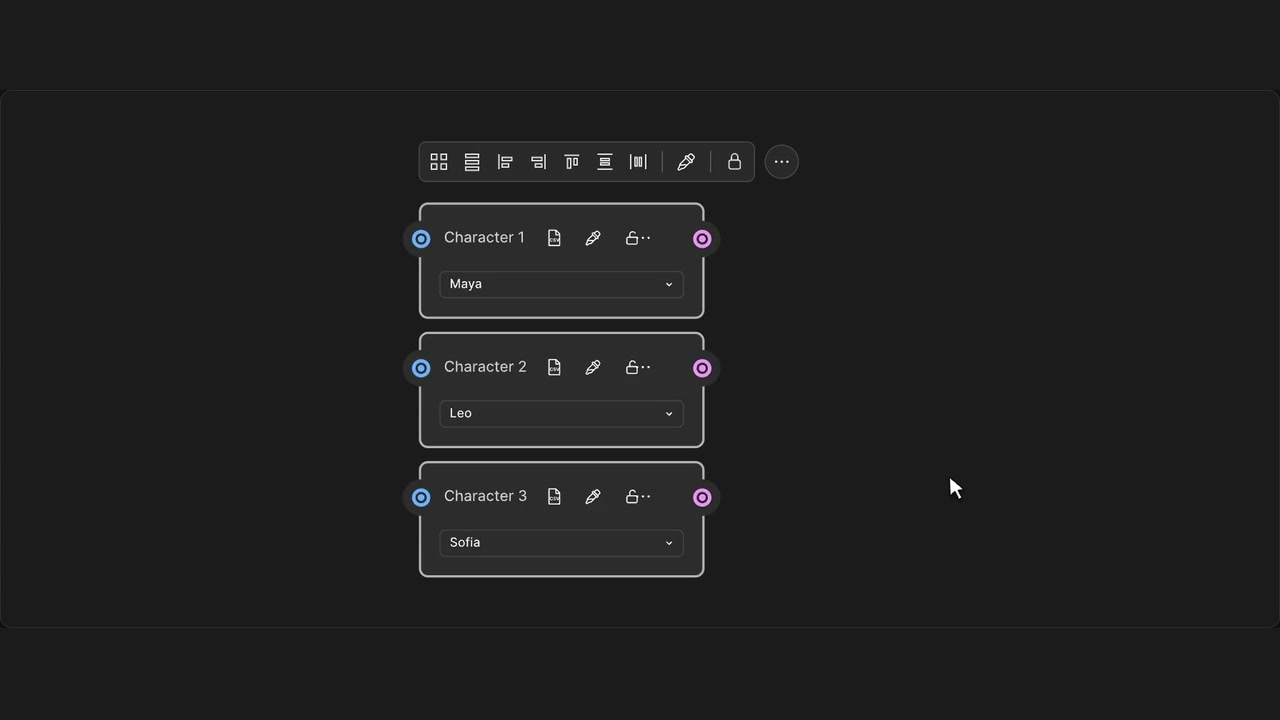
Align selected nodes
Line up selected nodes along an edge or their centres.
How to use it
- Select two or more nodes and release the selection.
- Choose an edge or centre alignment in the toolbar.
- Use Undo if you want to restore the layout.
Tips
- Locked nodes stay in place.
- Undo restores the previous positions.
Shortcut: Alt / Option + Shift + arrow
Locked nodes stay fixed. Compact groups use their visible bounds.